google maps

Why Your Business Is Not Showing on Google Maps (7 Common Reasons and Fixes)

Have you searched for your business on Google Maps only to discover that it is nowhere to be found?

You are not alone.

One of the most common complaints among business owners in Ghana is that their business does not appear on Google Maps even after they have created a Google Business Profile. This can be frustrating, especially when customers are actively searching for products and services that you offer.

The truth is that there are several reasons why a business may not appear on Google Maps. Some issues are simple and can be fixed within minutes, while others require a more strategic approach.

In this guide, we will explore the seven most common reasons your business is not showing on Google Maps and the practical steps you can take to fix the problem.


Why Appearing on Google Maps Matters

Before looking at the problems, it is important to understand why visibility on Google Maps is so valuable.

Every day, thousands of people search for:

  • Restaurants near me
  • Hotels near me
  • Pharmacies near me
  • Schools in Ghana
  • Marketing agencies near me
  • Auto repair shops near me

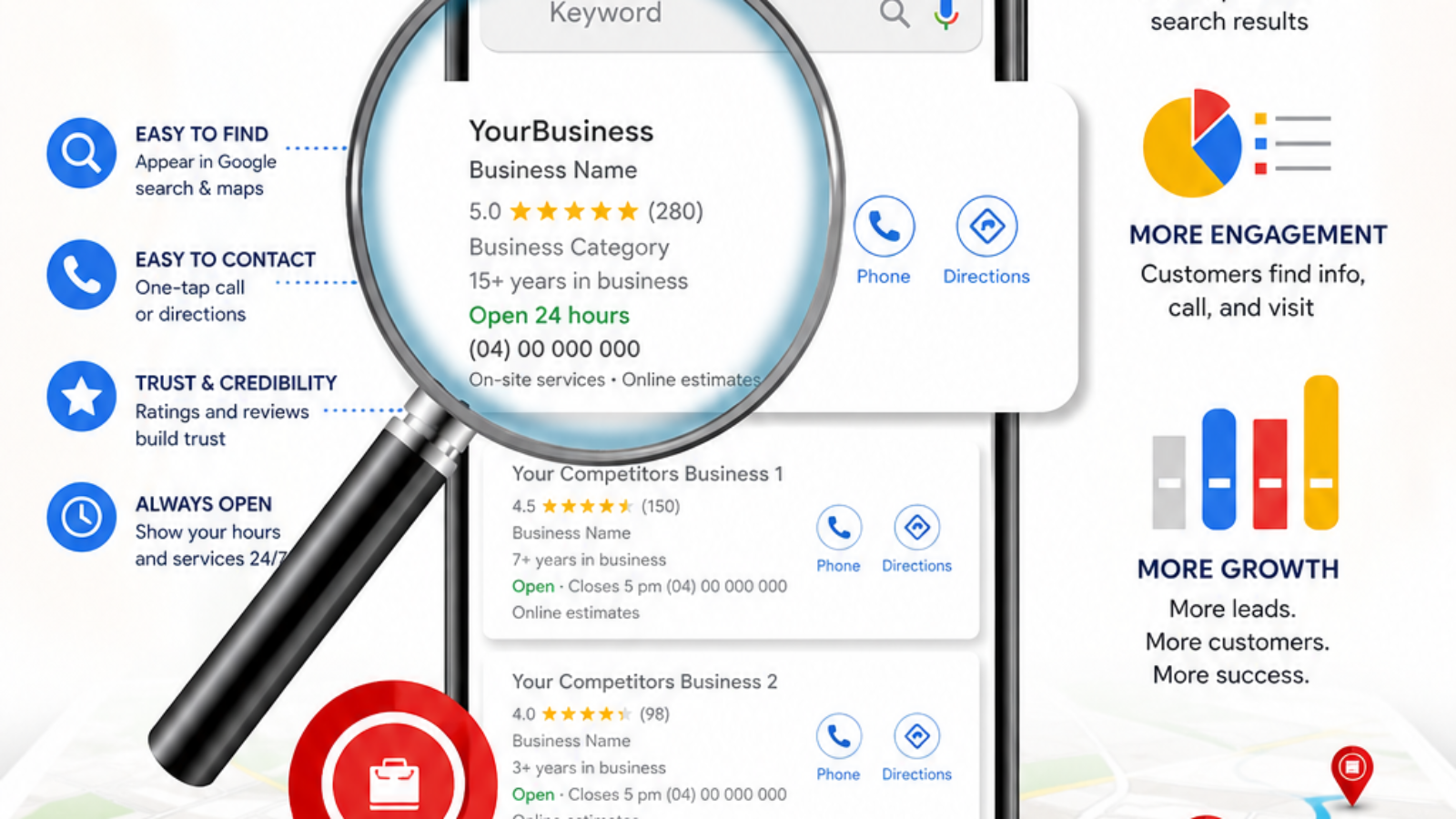
When your business appears in Google Maps results, customers can immediately see:

  • Your location
  • Contact details
  • Reviews
  • Photos
  • Opening hours
  • Website

Businesses that appear on Google Maps often receive more calls, website visits, and walk-in customers than businesses that do not.


Reason #1: Your Google Business Profile Is Not Verified

This is the most common reason businesses fail to appear properly on Google Maps.

Google wants to confirm that your business is legitimate before displaying it prominently in search results.

Without verification, your profile may have limited visibility or may not appear at all.

How to Fix It

Visit:

https://business.google.com/

Check your account and complete the verification process.

Depending on your business, Google may require:

  • Video verification
  • Email verification
  • Phone verification
  • Business documentation

Once verification is completed, visibility often improves significantly.

Quick Tip

If your profile remains unverified, Google may not trust your business enough to display it prominently.


Reason #2: Your Business Listing Is Too New

Many business owners expect immediate results after creating a profile.

However, Google sometimes needs time to process and review new listings.

A newly created profile may take several days or weeks before appearing consistently in search results.

How to Fix It

Be patient.

Continue improving your profile by:

  • Adding photos
  • Updating business information
  • Completing verification
  • Adding services

The more complete your profile is, the easier it becomes for Google to understand and trust your business.


Reason #3: Your Business Information Is Incomplete

Google prefers profiles that provide complete and accurate information.

If your profile only contains a business name and phone number, Google may consider it less useful than a fully completed listing.

How to Fix It

Ensure your Google Business Profile Ghana listing includes:

  • Business name
  • Address
  • Phone number
  • Website
  • Business hours
  • Description
  • Photos
  • Services

A complete profile improves customer trust and visibility.


Reason #4: You Selected the Wrong Business Category

Google uses business categories to understand what your company does.

If you operate a digital marketing agency but choose a category that does not accurately represent your services, Google may struggle to display your profile for relevant searches.

How to Fix It

Review your primary category carefully.

Examples include:

  • Restaurant
  • Hotel
  • Pharmacy
  • School
  • Marketing Agency
  • Real Estate Agency

Choosing the right category is one of the most important ranking factors in Google Maps.


Reason #5: You Have Duplicate Listings

Duplicate listings can confuse Google.

Sometimes business owners accidentally create multiple profiles for the same business location.

This often leads to visibility issues and ranking problems.

How to Fix It

Search Google Maps for your business name.

If multiple listings exist:

  • Claim the correct profile
  • Remove duplicate listings
  • Request merges where necessary

Official Google support can help:

https://support.google.com/business/


Reason #6: Your Listing Has Been Suspended

Google may suspend listings that violate its guidelines.

Common reasons include:

  • Keyword stuffing
  • Fake addresses
  • Virtual office abuse
  • Inaccurate information
  • Suspicious activity

If suspended, your profile may disappear entirely from Google Maps.

How to Fix It

Review Google’s guidelines carefully and submit a reinstatement request if appropriate.

Correct all violations before requesting review.


Reason #7: Your Business Needs Better Local SEO

Even when your listing is active, verified, and complete, you may still struggle with visibility.

This is where Local SEO Ghana becomes important.

Google considers many ranking signals including:

  • Reviews
  • Profile activity
  • Relevance
  • Distance
  • Website quality
  • Local citations

Businesses that actively optimize their profiles often outperform competitors.

How to Fix It

Focus on Google Maps Optimization Ghana strategies:

Get More Reviews

Customer reviews remain one of the strongest local ranking signals.

Upload New Photos Regularly

Fresh content shows Google that your business is active.

Respond to Reviews

Engagement helps improve trust and credibility.

Keep Information Updated

Always maintain accurate business details.

Build a Strong Website

Your website and Google Business Profile work together.


How to Prevent Future Visibility Problems

Once your profile starts performing well, maintain it properly.

Recommended practices include:

✔ Update business hours regularly

✔ Add new photos monthly

✔ Encourage customer reviews

✔ Respond to reviews

✔ Update services when necessary

✔ Monitor profile performance

✔ Maintain accurate contact information

Consistency is critical.


Need Professional Help?

Many business owners prefer to focus on running their business instead of troubleshooting Google Maps issues.

AntLogik helps businesses in Ghana with:

  • Google Business Profile Setup
  • Google Business Profile Verification Ghana
  • Google Maps Optimization Ghana
  • Local SEO Ghana
  • Listing Recovery
  • Google Maps Business Listing Ghana

Learn more:

https://antlogik.com/google-business-profile-setup-ghana/

Whether you need to create a new profile or fix an existing one, professional assistance can save time and prevent costly mistakes.


Frequently Asked Questions

How long does it take for a business to appear on Google Maps?

It varies. Some listings appear within days, while others may take several weeks depending on verification and profile quality.

Can a business appear without verification?

In some cases, limited visibility may occur, but verification is strongly recommended.

Does a website help rankings?

Yes. A strong website can improve overall local search visibility.

Why does my competitor rank higher than me?

Factors such as reviews, profile completeness, relevance, and Local SEO often influence rankings.

Can I create multiple listings for the same business?

Generally, no. Duplicate listings can create ranking and visibility problems.


Final Thoughts

If your business is not appearing on Google Maps, the problem is usually fixable.

In most cases, the issue involves verification, incomplete information, duplicate listings, suspension, or weak local SEO.

By addressing the seven issues discussed in this guide, you can improve your visibility and make it easier for customers to discover your business online.

If you need expert assistance, visit:

https://antlogik.com/google-business-profile-setup-ghana/

and get professional help with setup, verification, optimization, and recovery services.
get found on google maps

How to Add Your Business to Google Maps in Ghana

How to Add Your Business to Google Maps in Ghana (Complete 2026 Guide)

Imagine this.

A potential customer in Accra is searching for a restaurant. A parent in Kumasi is looking for a school. A traveler in Takoradi needs a hotel. A homeowner in Tema wants a plumber.

Where do they start?

For most people, the answer is simple: Google.

Before they call, visit, or buy, they search online. They compare businesses, read reviews, check locations, and view photos. If your business does not appear on Google Maps, there is a good chance they will never find you.

That means you could be losing customers every day without even knowing it.

The good news is that getting listed on Google Maps is easier than many business owners think. Whether you run a small shop, restaurant, clinic, school, salon, church, hotel, consultancy, or online business with a physical location, you can create a professional presence that helps customers find and trust your business.

In this guide, you’ll learn exactly how to add your business to Google Maps in Ghana, how to complete verification, common mistakes to avoid, and how to improve your visibility in local search results.


Why Google Maps Matters for Businesses in Ghana

Consumer behavior has changed dramatically over the past decade.

People no longer rely solely on signboards, radio advertisements, flyers, or recommendations from friends. While those marketing methods still have value, most customers now begin their buying journey online.

Think about your own behavior.

When you need a service, what do you do?

You search Google.

Your customers do exactly the same thing.

When someone searches for:

  • Pharmacy near me
  • Hotel near me
  • Barber shop near me
  • Restaurant in Accra
  • School in Kumasi
  • Digital marketing agency in Ghana

Google often displays local businesses directly on Google Maps before showing traditional website results.

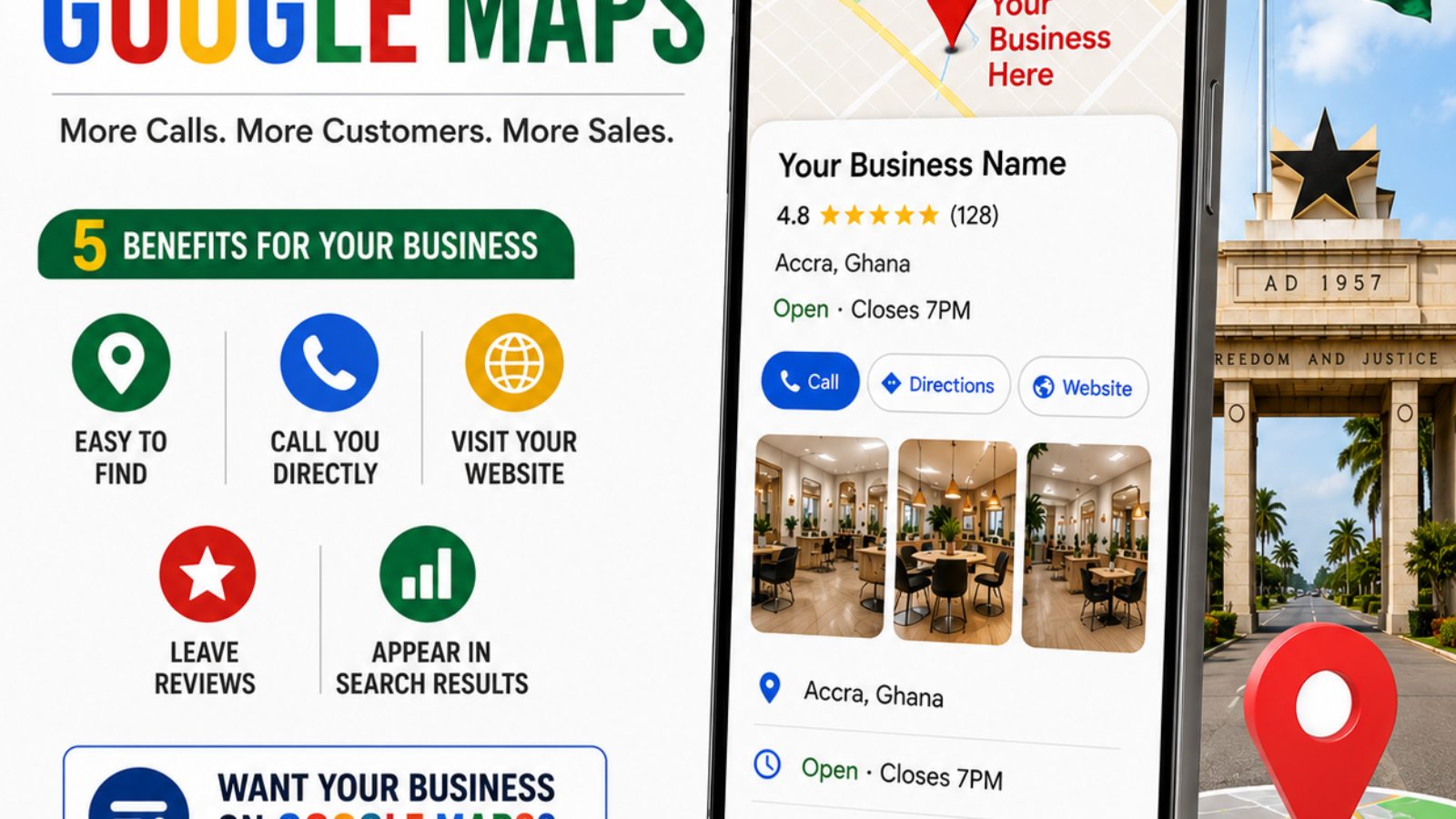
Businesses that appear in these local results gain a major advantage. They receive more visibility, more calls, more visits, and often more sales.

Businesses that are not listed on Google Maps may be completely invisible to potential customers.

Important Insight

People who search on Google Maps are often ready to take action. They are not casually browsing. Many are actively looking for a business to contact, visit, or buy from immediately.

This is why learning how to add your business to Google Maps in Ghana is one of the most valuable digital marketing steps a business owner can take.


What Is Google Business Profile?

Google Business Profile is Google’s free business listing platform.

It allows businesses to appear on:

  • Google Search
  • Google Maps
  • Local Search Results

Your profile can display important information such as:

  • Business name
  • Address
  • Phone number
  • Website
  • Photos
  • Reviews
  • Opening hours
  • Services
  • Directions

When customers search for businesses in your industry, your profile may appear directly in search results.

Official Google Business Profile:
https://business.google.com/

A complete profile helps customers trust your business and makes it easier for them to contact you.


Benefits of Being Listed on Google Maps

Many business owners underestimate the impact of a Google Maps Business Listing Ghana strategy.

The reality is that a properly optimized listing can become one of your most effective marketing assets.

Increased Visibility

Your business becomes easier to find when customers search online.

More Phone Calls

Customers can call your business directly from your listing.

Better Customer Trust

Reviews, photos, and complete information make your business appear more credible.

More Website Visitors

Potential customers can visit your website directly from your profile.

More Walk-In Customers

Google Maps provides directions that guide customers directly to your location.

Better Local SEO Performance

A properly optimized profile supports your overall Local SEO Ghana strategy.


How to Add Your Business to Google Maps in Ghana

Now let’s go through the process step by step.

Step 1: Sign In to Google Business Profile

Visit:

https://business.google.com/

Sign in using your Google account.

If you don’t have one, create a new account specifically for your business.

Step 2: Enter Your Business Name

Use your official business name.

Avoid adding extra keywords.

For example:

✔ AntLogik

❌ AntLogik Best Digital Marketing Agency in Ghana

Google prefers authentic business names.

Step 3: Choose the Correct Business Category

Your category helps Google understand what your business does.

Examples include:

  • Restaurant
  • Hotel
  • Pharmacy
  • School
  • Marketing Agency
  • Clothing Store
  • Beauty Salon

Choosing the wrong category can negatively affect your visibility.

Step 4: Add Your Business Location

Enter your physical location accurately.

Make sure it matches the information displayed on your website and social media pages.

Consistency improves trust and verification success.

Step 5: Add Contact Information

Include:

  • Phone number
  • Website
  • Email address (optional)

Customers should be able to reach you easily.

Step 6: Add Business Hours

Keep your opening and closing times accurate.

If your hours change during holidays, update them promptly.

Step 7: Upload Photos

Businesses with photos generally receive more engagement than those without.

Include:

  • Exterior photos
  • Interior photos
  • Team photos
  • Product photos
  • Service photos

High-quality images help customers understand your business before visiting.

Step 8: Submit Your Profile

After completing your information, submit your profile for review.

The next step is verification.


How to Verify Your Google Business Profile

Verification confirms that your business is legitimate.

Google may offer several verification methods including:

  • Video verification
  • Phone verification
  • Email verification
  • Business documentation review

The available option depends on your business type and location.

Official verification support:
https://support.google.com/business/

Without verification, your profile may not appear fully in Google Search and Google Maps.


Common Mistakes Business Owners Make

Many businesses struggle because they make avoidable mistakes during setup.

Some of the most common include:

Using the Wrong Category

Selecting the wrong category can make it difficult for customers to find you.

Incomplete Information

Missing contact details reduce trust and engagement.

Poor Quality Photos

Low-quality images can discourage potential customers.

Ignoring Reviews

Reviews play a major role in customer trust and local rankings.

Duplicate Listings

Creating multiple listings for the same business can cause verification and ranking issues.

Inconsistent Contact Information

Your business details should match across your website, social media platforms, and Google Business Profile.


Why Your Business Is Not Showing on Google Maps

One of the most common complaints from business owners is:

“My business is not showing on Google Maps.”

There are several possible reasons.

Verification Is Not Complete

An unverified profile may not appear properly in search results.

The Listing Is Too New

Google may need time to process and trust new listings.

Duplicate Profiles Exist

Duplicate listings can create confusion and ranking problems.

Incomplete Profile Information

Profiles with limited information often perform poorly.

Policy Violations

Violating Google’s guidelines can result in reduced visibility or suspension.

If you are experiencing issues, professional assistance can save considerable time and frustration.


How to Rank Higher on Google Maps

Getting listed is only the beginning.

If you want better results, you need to focus on Google Maps Optimization Ghana strategies.

Complete Every Section

Fill out every available field in your profile.

Upload New Photos Regularly

Fresh photos indicate that your business is active.

Collect Reviews

Positive reviews are one of the strongest local ranking signals.

Encourage satisfied customers to leave honest reviews.

Respond to Reviews

Replying to reviews demonstrates professionalism and engagement.

Keep Information Updated

Update your hours, services, and contact information whenever changes occur.

Build a Strong Website

Your website and Google Business Profile work together.

If you need professional help with optimization, visit:

https://antlogik.com/google-business-profile-setup-ghana/


Professional Google Business Profile Setup in Ghana

Many business owners prefer to focus on running their business instead of dealing with profile setup, verification challenges, and optimization requirements.

AntLogik helps businesses across Ghana with:

  • Google Business Profile Setup
  • Google Business Profile Verification Ghana
  • Google Maps Optimization Ghana
  • Local SEO Ghana
  • Profile Management
  • Business Listing Recovery

Whether you are creating a new profile or fixing an existing one, professional assistance can help you avoid costly mistakes.

Learn more:

https://antlogik.com/google-business-profile-setup-ghana/


Frequently Asked Questions

Is Google Maps listing free?

Yes. Creating a Google Business Profile is completely free.

Can I add a business without a website?

Yes. A website is helpful but not required.

How long does verification take?

Verification times vary depending on the verification method used.

Can service businesses appear on Google Maps?

Yes. Many service-based businesses successfully use Google Business Profile.

How important are reviews?

Reviews are extremely important. They influence customer trust and local rankings.

Can I manage my listing myself?

Yes. However, many business owners choose professional assistance to ensure proper setup and optimization.


Final Thoughts

Learning how to add your business to Google Maps in Ghana is one of the smartest investments you can make in your business’s online visibility.

A properly configured Google Business Profile helps customers discover your business, trust your brand, contact you more easily, and visit your location.

The businesses that appear on Google Maps often gain a significant advantage over competitors that remain invisible online.

If you want to maximize your chances of success, consider professional setup and optimization services to ensure your profile is created, verified, and optimized correctly from the start.

Ready to get started?

Visit:

https://antlogik.com/google-business-profile-setup-ghana/

and take the first step toward making your business easier to find online.